Lost laptops, ransomware, a hard drive that dies the day before a deadline — most small offices only think about IT when something breaks. A short monthly routine prevents most of these problems.
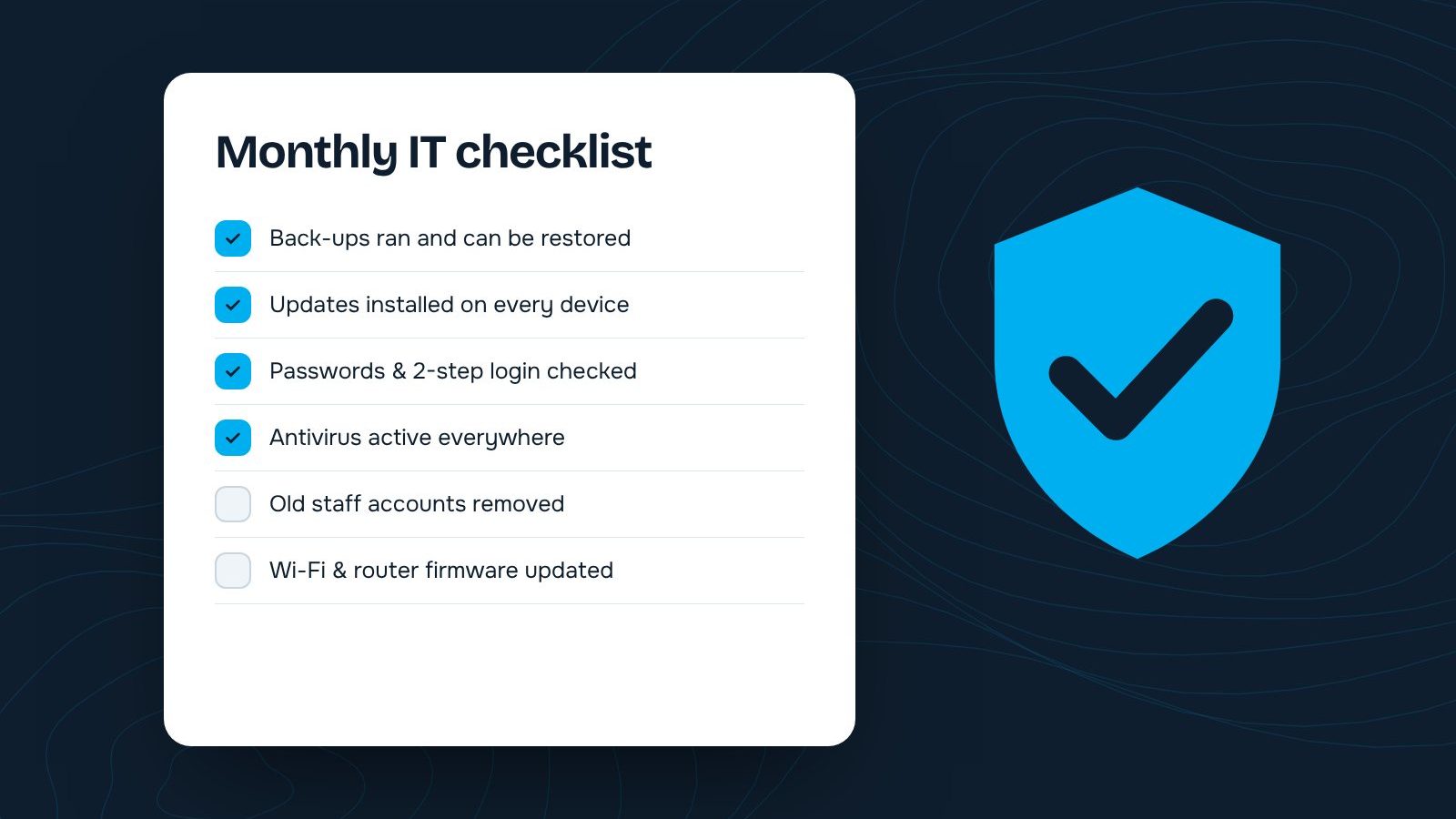
- Back-ups ran and a test restore worked
- Operating system and app updates installed
- Antivirus active and up to date on every device
- Two-step login on email and key accounts
- Leavers’ accounts removed and passwords changed
- Router firmware and Wi-Fi password reviewed
1. Check your back-ups actually work
Having back-ups is not enough; you need to know you can restore from them. Once a month, pick a file and restore it. Keep at least one copy off-site or in the cloud.
2. Install updates
Updates for Windows, macOS, phones, browsers and routers fix security holes that attackers actively use. Turn on automatic updates wherever possible and check nothing is stuck.
3. Confirm antivirus is running everywhere
Make sure every laptop and desktop has security software that is switched on and up to date — including the one in the manager’s bag.
4. Use two-step login
Turn on two-step verification for email, banking, social media and cloud storage. It stops most account takeovers, even if a password leaks.
5. Tidy up accounts
Remove access for people who have left, change shared passwords, and check who can see sensitive folders. Old accounts are a common way in for attackers.
6. Look after the network
Update router firmware, change default admin passwords, and keep a separate guest Wi-Fi so visitors are not on the same network as your files.
Make it routine: put a recurring 15-minute reminder in your calendar for the first Monday of every month.
Would you rather someone else did this? Our IT support plans include all of it, plus a monthly health report.
Want this done for your business?
Tell us where you are and where you want to be. We will reply within one working day.